

Free Wedding Planning Tools
The Most Complete Guide for 2026 to Plan the Perfect Wedding Without Spending on Software
Planning a wedding is one of the most complex and emotionally intense tasks a couple can face. There are hundreds of decisions to make, dozens of vendors to manage, growing guest lists, budgets that need constant adjusting, dates to confirm and details that simply cannot slip through the cracks. Fortunately, technology has radically transformed this experience — and the best news is that the best free wedding planning tools available in 2026 are robust enough to cover virtually the entire planning process, without spending a single penny on software.
In this guide we bring together the best free wedding planning tools organised by category — planning apps, budget spreadsheets, wedding websites, guest management, design and stationery, visual inspiration and much more. For each tool, we explain what it does, what it offers for free, its limitations and which type of couple it is best suited for.
If you are engaged and want to organise your big day efficiently, creatively and without wasting money on digital tools, this is the guide you need to save.
PUB
- 1 – Joy.how – The Best Free Wedding Website
- 2 – Zola – The All-in-One Free Platform
- 3 – The Knot – The Most Complete International Planner
- 4 – Google Sheets – The Most Flexible Free Budget Spreadsheet
- 5 – Notion – The Personalised Planning Workspace
- 6 – Trello – Visual Task Management for Your Wedding
- 7 – Canva – Free Professional Design for Invitations and Stationery
- 8 – Pinterest – Visual Inspiration and Mood Board
- 9 – Google Forms and Google Drive – RSVP and Document Management
- 10 – Zankyou – Complete Planner with Checklist
- 11 – Planning.Wedding – Free Online Wedding Software
- 12 – Google Calendar – Wedding Timeline and Reminders
- 13 – WhatsApp – The Most Effective Communication Tool
- 14 – How to Create the Perfect Free Wedding Checklist
- 15 – How to Build the Ideal Free Wedding Budget Spreadsheet
- 16 – Best Free Tools for Wedding Guest Management
- 17 – Free Tools for Wedding Seating Plans
- 18 – How to Manage Wedding Vendors with Free Tools
- 19 – The Recommended Free Wedding Planning Tech Stack
- 20 – Frequently Asked Questions
PUB
Free Wedding Planning Tools
1 – Joy.how – The Best Free Wedding Website Builder

Joy.how (formerly known simply as Joy) is one of the most elegant and fully-featured free wedding planning tools available for creating a wedding website. It is especially popular among couples who want a refined digital presence for their event — a central hub where all information lives for their guests — without paying anything.
Joy.how is free to create and maintain a personalised wedding website, and its features go well beyond most free alternatives: RSVP management, a collaborative photo album, live streaming of the ceremony and much more — all included in the free tier.
What is included for free in Joy.how:
Personalised wedding website: With a custom URL of the type joy.how/yournames, elegant and editable templates, and all event information beautifully organised for your guests.
RSVP management: Guests confirm their attendance directly on the website, with options to indicate dietary requirements and additional guests. The couple sees all confirmations in real time.
Collaborative photo album: Guests can upload their own photos from the wedding directly to a shared album — one of the most loved features of the platform and a wonderful way to collect candid memories from every guest's perspective.
Live streaming: Stream the ceremony live for guests who could not be present — particularly valuable for weddings with international guests or elderly relatives who cannot travel.
Travel planner: Accommodation recommendations, transport details and local activities for guests travelling from out of town.
Wedding checklist and budget tool: Built-in planning tools that sync with the website for a unified planning experience.
Available on: Web | iOS | Android
Cost: Free with very generous premium features included
Best for: Couples with guests across different cities or countries who need to centralise all logistical information in one accessible, elegant place.
PUB
Free Wedding Planning Tools
2 – Zola – The Best Free All-in-One Wedding Planning Platform
Zola is one of the most complete free wedding planning platforms available internationally, with a very modern interface and a user experience that ranks among the best in the market. What distinguishes Zola from most free wedding planning tools is the way it integrates all dimensions of planning into a fluid, coherent experience: wedding website, gift registry, guest management, checklist, planner and visual inspiration all live in the same ecosystem.
Zola has grown into the go-to free wedding planning platform for couples in the United States and has gained significant international traction, making it one of the most comprehensive free wedding planning tools for couples planning a wedding anywhere in the world.
What is included for free in Zola:
Wedding website: Widely regarded as having the most beautiful free templates available. Fully customisable, with a free custom domain and unlimited pages.
Universal gift registry: One of Zola's standout features — couples can add products from any online store to their registry, not limited to a single retailer. Guests access and purchase directly.
Guest management and RSVP: Complete system for managing confirmations with built-in digital invitation sending integrated into the platform.
Wedding checklist: Personalised based on the wedding date and number of guests, with hundreds of tasks organised by time to the wedding.
Budget planner: With pre-defined categories and full customisation options to match any wedding style or size.
Seating chart tool: Built-in seating plan tool for organising tables and assigning guests.
Available on: Web | iOS | Android
Cost: Free with a very complete base plan
Best for: Couples who prioritise design quality and platform experience, and who want a single platform to manage all aspects of the wedding.
PUB
Free Wedding Planning Tools
3 – The Knot – The Most Complete Free Wedding Planner Internationally
The Knot is the largest wedding planning platform in the world, with over 25 years of existence and millions of users. It is the most comprehensive free wedding planning tool in terms of checklist depth and planning content, and is used by couples across the globe. For any couple who wants the most detailed, structured and thorough free planning resource available, The Knot is the benchmark.
What is included for free in The Knot:
Interactive checklist: The most complete in the market, with hundreds of tasks organised across more than 15 months of planning, with full customisation and the ability to add your own tasks. This is The Knot's most distinctive feature among all free wedding planning tools — nothing else comes close in terms of depth and detail.
Budget calculator: With market reference values for each category, allowing a realistic picture of what each element will cost. Invaluable for couples defining their budget for the first time.
Free wedding website: Dozens of templates with full integration across all the platform's tools.
Guest management: Guest list, digital invitation sending and confirmation management in one place.
Vendor marketplace: Extensive directory of vendors, primarily focused on the US market but useful for couples planning international weddings.
Planning articles and guides: Thousands of expert-written articles covering every aspect of wedding planning — from setting a budget to writing vows.
Available on: Web | iOS | Android
Cost: Free on the base plan
Best for: Couples who want the most detailed checklist and the most comprehensive planning content available among all free wedding planning tools.
PUB
Free Wedding Planning Tools
4 – Google Sheets – The Most Flexible and Powerful Free Wedding Budget Tool
Google Sheets is, without question, one of the most powerful and versatile free wedding planning tools available — and also one of the most underestimated. Completely free, accessible from any device, shareable in real time with your partner, parents and wedding planner, and flexible enough to be adapted to any type of wedding, Google Sheets is the reference financial control tool for organised couples.
The Google template gallery provides free templates specifically designed for wedding planning, with pre-defined expense categories, comparison between planned and actual budget, and automatic charts that visually show where the money is going.
How to use Google Sheets for wedding planning:
Budget spreadsheet: Create separate tabs for each category (venue, catering, photography, videography, flowers, music, attire, invitations, transport, guest accommodation, honeymoon). In each tab record: vendor name, estimated value, contracted value, deposit paid (date and amount), outstanding balance and final payment date.
Guest list: A dedicated tab with name, relationship to the couple, contact details, RSVP status, table assignment, dietary restriction and whether the invitation has been sent.
Vendor tracker: Vendor name, category, contact, contract status (negotiating / contracted / paid), notes and link to the digital contract.
Task timeline: With columns for the task, responsible person (partner A, partner B, family), deadline and status (pending / in progress / completed).
Available on: Web | iOS | Android (via Google Drive)
Cost: 100% free with a Google account
Best for: Organised couples who want complete control and total customisation of their wedding planning tools.
PUB
Free Wedding Planning Tools
5 – Notion – The Personalised Planning Workspace for Modern Couples

Notion is one of the free wedding planning tools that has grown most rapidly in popularity among modern, organised couples. It is not a wedding-specific tool, but its extraordinary flexibility allows you to create a completely personalised workspace for planning your big day — from task and budget management to researching decoration trends and compiling visual references.
In the Notion template gallery, there are dozens of free templates created by the community specifically for wedding planning, which can be imported and immediately used as a starting point.
How to use Notion as a free wedding planning tool:
Central dashboard: Create a main page with links to all sections of your planning — budget, guests, vendors, tasks, inspiration, documents.
Vendor database: A table with name, category, contact, price, quote status, website link, portfolio gallery, personal rating and final decision. Filter and sort by any column to find exactly what you need instantly.
Task timeline: Calendar or Gantt view to visualise all tasks and deadlines across the months leading up to the wedding.
Digital mood board: Embed images, links and notes to create a visual reference for the wedding style that can be shared with your decorator, photographer and other vendors.
Meeting notes: Log what was decided in each meeting with each vendor — invaluable over months of intensive planning when details can easily blur together.
Available on: Web | iOS | Android
Cost: Free for personal use (the Free plan includes unlimited pages and sharing with one guest)
Best for: Couples who already use Notion in daily life or who enjoy a highly personalised and visual approach to planning.
PUB
Free Wedding Planning Tools
6 – Trello – Visual Task Management for Your Wedding
Trello is one of the most intuitive and visually appealing free wedding planning tools available. Based on the kanban system — boards with cards organised in columns — it is especially well suited for couples who think visually and want a clear picture of the status of every task and decision in the planning process.
The free version of Trello is generous enough to cover the entire planning of a wedding: it allows creating unlimited boards, lists and cards with descriptions, checklists, attachments, due dates and assigned members.
How to set up Trello for wedding management:
Main wedding board: Create columns such as "To Do", "In Progress", "Awaiting Response", "Contracted" and "Completed". Each task or decision is a card that moves between columns as it progresses — giving an instant visual overview of where everything stands.
Vendor board: A specific board with columns by category (Photography, Catering, Flowers, Music, etc.). Each column has cards for the vendors contacted, with notes on quotes received and the final decision.
Inspiration board: For collecting decoration, flowers, cake, invitation and attire references — with images attached and comments from both partners on each card.
Wedding day logistics board: The detailed hour-by-hour timeline of the wedding day, with team members assigned to each moment.
Available on: Web | iOS | Android
Cost: Free with features more than sufficient for wedding planning
Best for: Couples who prefer visual and collaborative management, particularly useful when working with a wedding planner or with heavily involved family members.
PUB
Free Wedding Planning Tools
7 – Canva – Free Professional Design for Invitations and Stationery
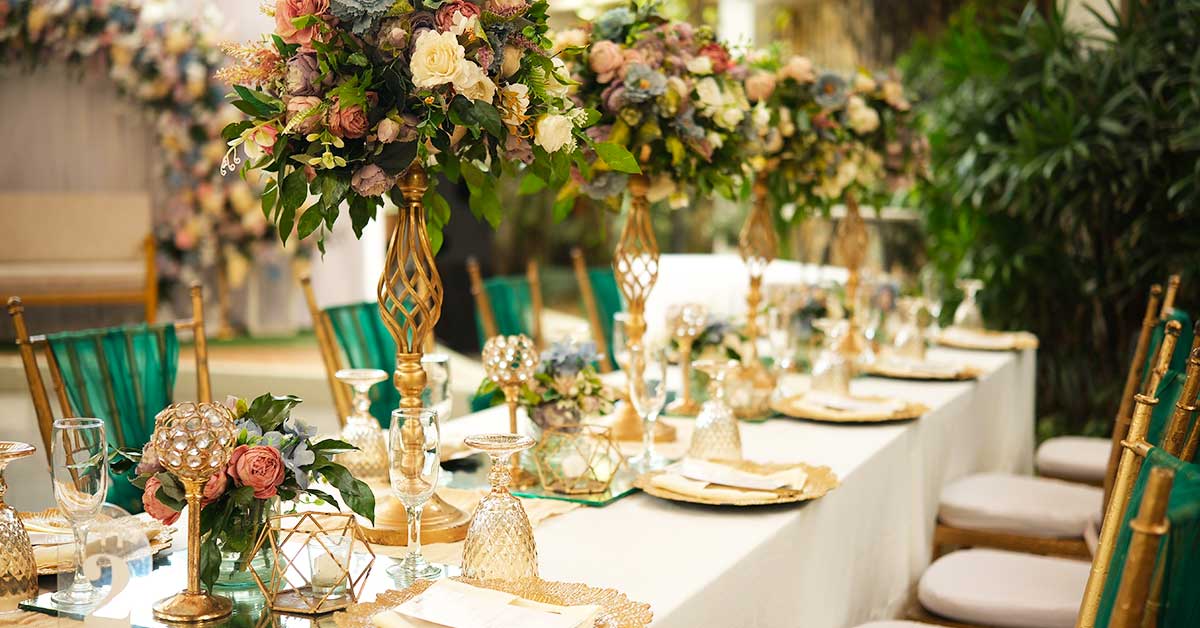
Canva is the free design tool that has revolutionised the creation of wedding invitations, stationery and visual materials. With thousands of wedding-specific templates — invitations, save the dates, menus, table cards, seating plans, thank you cards, Instagram content and much more — Canva allows any couple, without any design experience, to create materials with a professional appearance.
The free version of Canva is extraordinarily generous and covers the vast majority of wedding design needs. The free plan includes over 250,000 templates, access to a large library of images and graphic elements, and the ability to download files in high resolution for printing or digital sending.
What to create in Canva for your wedding:
Digital and print invitations: Hundreds of wedding invitation templates in every style — minimalist, classic, tropical, botanical, rustic. Edit colours, typography and images to match your wedding's visual identity perfectly.
Save the date: For sending digitally by email or messaging apps months before the wedding, or for printing and posting by mail.
Wedding menus: Professional design for menus at each place setting or for display in a frame in the dining room.
Table cards and seating plan: Individual cards with each guest's name and their table number, or a large seating plan panel showing the complete table layout.
Wedding visual identity: Create a couple's monogram, a pattern or graphic element that repeats across all materials and gives the event a cohesive visual identity.
Vendor presentation: A visual presentation showing the wedding style, colour palette and visual references to share with the decorator, photographer and florist.
Available on: Web | iOS | Android
Cost: Free (Canva Pro plan available with additional features)
Best for: Every couple — Canva is, without exception, one of the most useful and easiest-to-use free wedding planning tools in this entire guide.
PUB
Free Wedding Planning Tools
8 – Pinterest – Visual Inspiration and Wedding Mood Board
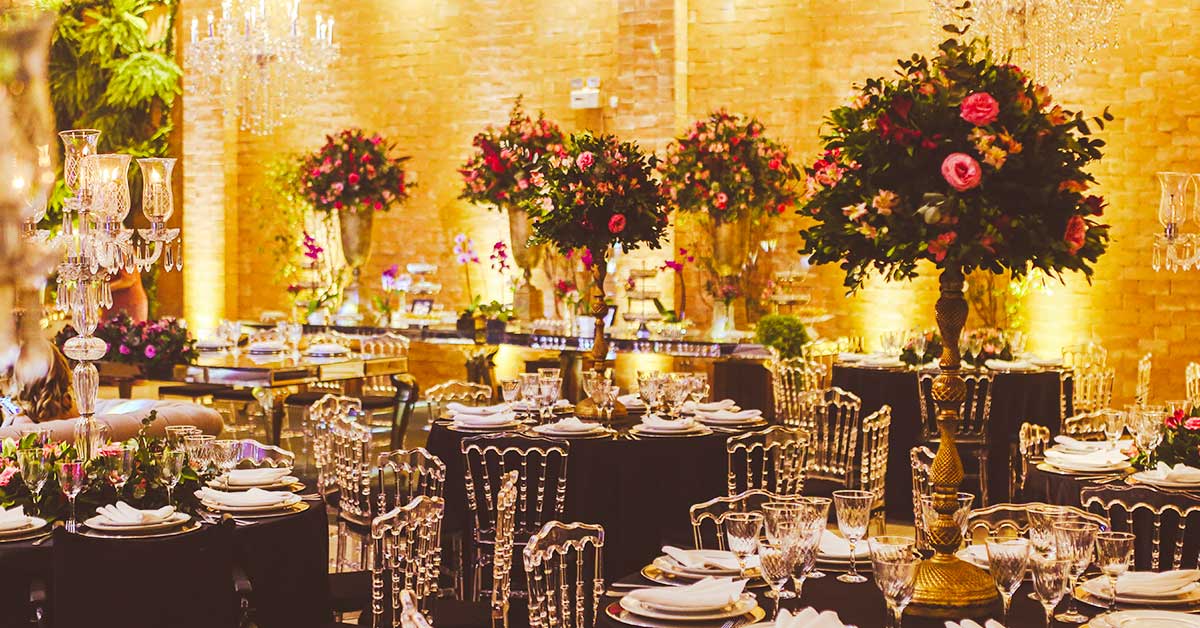
Pinterest is one of the most widely used free wedding planning tools in the world — not for operational management, but for the inspiration and style-definition phase that is equally essential. With billions of images organised by theme, Pinterest is the world's largest repository of wedding visual inspiration.
Almost every couple planning a wedding uses Pinterest at some point in the process — to search for decoration ideas, flowers, cakes, dresses, hairstyles, venues, photography and much more. But Pinterest can go well beyond simple browsing.
How to use Pinterest as a wedding planning tool:
Secret shared board: Create a secret board and share it with your partner — this way both of you can save and comment on the same references without exposing the planning process to others before the wedding.
Category boards: Organise references in separate boards: decoration, flowers, cake, invitations, bridal attire, groom's attire, photography, music, catering and honeymoon. When meeting with each vendor, showing the relevant board for their area is the most effective way to communicate exactly what you want.
Wedding mood board: Create a single board that represents the overall feeling of the wedding — the colours, the light, the style, the atmosphere. This board is one of the most valuable resources to share with your decorator, photographer and florist before any creative work begins.
Trend research: Pinterest is constantly updated with the latest wedding trends — very useful for understanding what is currently popular without needing to subscribe to specialist magazines.
Available on: Web | iOS | Android
Cost: 100% free
Best for: The style definition and vendor communication phase — indispensable for every couple.
PUB
Free Wedding Planning Tools
9 – Google Forms and Google Drive – Free RSVP and Document Management
The Google ecosystem — particularly Google Forms and Google Drive — offers a set of free wedding planning tools that are extraordinarily useful and that many couples still underestimate or overlook entirely.
Google Forms for RSVP:
Google Forms allows you to create a fully customised attendance confirmation form, completely free and with no limit on responses. Create the form with exactly the questions you want — name, number of guests, dietary restrictions, menu choice, transport needs — and share the link with guests. Responses arrive automatically in a Google Sheets spreadsheet in real time, allowing you to track confirmations in an organised and always up-to-date way.
This Google Forms + Google Sheets combination for RSVP management is one of the most robust, flexible and completely free wedding planning tools available — and in many respects it surpasses the built-in RSVP solutions of dedicated wedding platforms.
Google Drive for document centralisation:
Google Drive is the free central archive for the entire planning process. Organise a folder "Wedding [Couple Name]" with subfolders for: Contracts (scanned), Received quotes, Visual references, Legal documents, Vendor correspondence and Reference photography.
Sharing this folder with both partners — and, if applicable, with your wedding planner — ensures that all relevant information is accessible to everyone who needs it, on any device, at any time.
Available on: Web | iOS | Android
Cost: 100% free with a Google account (15 GB storage included)
Best for: Every couple — the Google ecosystem is the free backbone of a truly organised wedding planning process.
PUB
Free Wedding Planning Tools
10 – Zankyou – Complete Free Planner with Checklist and Budget
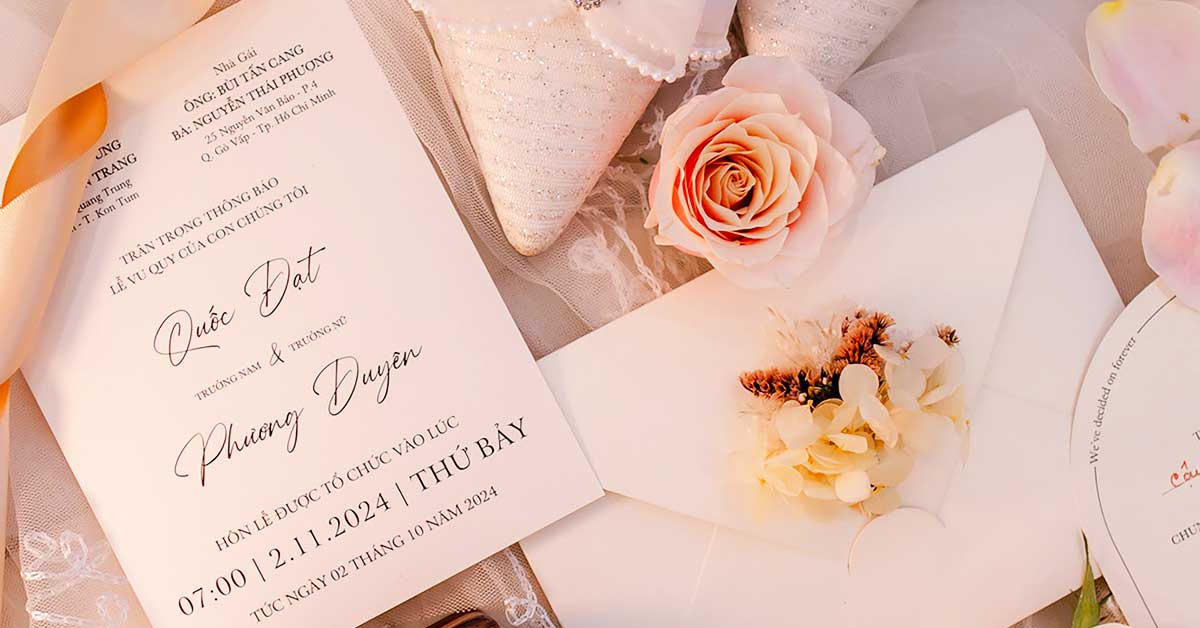
Zankyou is one of the most popular free wedding planning tools at European level, with a strong presence in Portugal, Spain, Italy, France and more than 20 countries. It offers an integrated planning platform with a well-developed mobile app that many couples prefer for the specific way it handles guest communication.
Zankyou was built around a clear philosophy: enabling couples to share all their wedding information with guests in a simple and interactive way. From the free app, it is possible to share maps, directions, hotel suggestions, photos, music and much more.
What is included for free in Zankyou:
Planning checklist: Chronologically organised task list, adaptable to the number of months before the wedding and the type of ceremony.
Budget control: Tool for defining the total budget, distributing by categories and comparing planned versus actual spending.
Guest list and RSVP: Complete guest management with integrated attendance confirmation system.
Free wedding website: With a personalised domain, editable templates and integration with all the platform's other tools.
Digital gift registry: Couples create their list and guests access it directly to make their gift.
Available on: Web | iOS | Android
Cost: Free on the base plan | Premium plan available
Best for: Couples who value guest communication and want a bilingual (EN/PT/ES/FR) platform for weddings with international guests.
PUB
Free Wedding Planning Tools
11 – Planning.Wedding – Free Online Wedding Planning Software

Planning.Wedding is a 100% online and free wedding planning software that many couples have yet to discover, but that deserves a prominent place among the free wedding planning tools in this guide. Available directly through the browser without any installation required, it is a solid option for couples looking for a simple alternative to the major platforms.
Planning.Wedding offers a structured set of tools covering the main planning needs: task checklist, budget management, guest list, seating plan and a free wedding website — all within a single platform with simple and intuitive access.
One of the most appreciated features of Planning.Wedding is the ability to create and download checklists in PDF format, completely free — allowing couples to have a printed version of their planning to consult offline or share in vendor meetings.
The platform also offers a free wedding website builder with customisable templates, allowing couples to centralise all event information in one accessible URL to share with guests.
Available on: Web (browser — no installation needed)
Cost: 100% free
Best for: Couples who prefer a simple, no-download platform accessible from any browser on any device.
PUB
Free Wedding Planning Tools
12 – Google Calendar – Free Wedding Timeline and Reminders

Google Calendar is one of the most underestimated free wedding planning tools — and one of the most effective for managing the timeline of deadlines, vendor meetings, fittings and payments across the months of planning.
How to use Google Calendar for wedding management:
Dedicated wedding calendar: Create a calendar specifically for the wedding (separate from personal calendars) and share it with your partner. All planning events and deadlines are visible to both of you in real time.
Payment deadlines: Record all deposit and final payment deadlines for every vendor — with automatic reminders set 7 days, 3 days and 1 day before. Never miss a payment date again.
Vendor meetings: Log each meeting with vendor name, location or video call link, and preparation notes directly in the calendar event.
Fittings and appointments: Dress fitting, hair and makeup trial, menu tasting, engagement photo shoot — all commitments in one shared calendar.
Wedding day timeline: Create an event for each moment of the wedding day — beauty team arrival, departure for the ceremony, cocktail hour, dinner, cake cutting — and share with all vendors and key family members as a logistical reference point.
Available on: Web | iOS | Android
Cost: 100% free with a Google account
Best for: Every couple — Google Calendar is the glue that keeps all the other free wedding planning tools aligned in time.
PUB
Free Wedding Planning Tools
13 – WhatsApp – The Most Effective Free Communication Tool

WhatsApp may not seem like a wedding planning tool in the traditional sense, but it is one of the most widely used and most effective free tools for managing all the communication associated with wedding planning — with both vendors and guests. In markets where WhatsApp is the dominant messaging platform, it becomes an essential part of the free wedding planning toolkit.
How to use WhatsApp as a free wedding planning tool:
Vendor group chats: Create specific groups by area — "Photography and Video", "Decoration and Flowers", "Catering and Cake" — to centralise all communication with each vendor team in one organised space.
Broadcast list for guests: WhatsApp's broadcast function allows sending personalised messages to all guests simultaneously, as if they were individual messages — ideal for sending save the dates, event updates and RSVP reminders.
Wedding channel: WhatsApp Channels allows creating a channel where the couple shares updates with all guests in a non-invasive way — guests subscribe if they wish and receive wedding news (venue, programme, dress code, accommodation) at their convenience.
Core planning group: A group with both partners and key family members (parents, siblings, best man/maid of honour) for fast decisions and coordination — much more agile than email for quick calls.
Document sharing: Send and receive contracts, quotes and files directly in vendor conversations — all history is stored in the conversation and easily searchable.
Available on: iOS | Android | Web (WhatsApp Web)
Cost: 100% free
Best for: Managing all wedding communication in a centralised and agile way.
PUB
Free Wedding Planning Tools
14 – How to Create the Perfect Free Wedding Checklist

One of the most important elements of any wedding planning process is the checklist — the complete list of everything that needs to be done, organised by deadline and responsible person. A good wedding checklist transforms what could be an overwhelming experience into a structured, clear and manageable process.
With the right free tools (The Knot, Zola, Notion or Google Sheets), you can create a complete, personalised and real-time checklist accessible from any device. Here is the recommended structure:
18 to 12 months before:
Define total budget and funding sources | Establish wedding style and theme | Create preliminary guest list | Research and visit ceremony and reception venues | Book the venue (always the first vendor to secure) | Set the date | Decide whether to hire a wedding planner | Set up planning platform accounts | Research photographer and videographer
12 to 9 months before:
Book photographer and videographer | Research and book catering and wedding cake | Research and book musicians or DJ | Begin bridal gown search (long lead time — start early) | Research florist and decorator | Create free wedding website (Joy.how, Zola or The Knot) | Send save the dates | Decide on wedding party | Research honeymoon
9 to 6 months before:
Book florist and decorator | Order wedding dress (production timelines are long) | Book hair and makeup artist | Book transport (couple and guests) | Arrange accommodation for out-of-town guests | Book honeymoon | Define menu and attend catering tasting
6 to 3 months before:
Order wedding invitations | Finalise guest list | Send invitations | Define seating plan | Manage RSVPs via Google Forms or chosen platform | Wedding dress fittings | File civil ceremony paperwork | Set up gift registry and publish on wedding website
3 to 1 month before:
Confirm all contracts and payments | Confirm final guest numbers with caterer | Finalise seating plan | Hair and makeup trial | Pre-wedding photo shoot | Create detailed wedding day timeline | Buy wedding rings | Write vows
Wedding week:
Confirm timings with all vendors | Prepare final payments | Confirm guest list | Rest and take care of yourselves
PUB
Free Wedding Planning Tools
15 – How to Build the Ideal Free Wedding Budget Spreadsheet

Budget control is one of the areas where free wedding planning tools make the greatest difference. Without an adequate tracking system, wedding costs can grow in ways that are difficult to catch until it is too late. A well-structured budget spreadsheet is the single most important free tool in your wedding planning arsenal.
The ideal combination for a free wedding budget spreadsheet is Google Sheets with a structured template. The recommended structure includes the following main categories:
Venue and Logistics: Ceremony space rental, reception space rental, additional generators, tents or cover structures, extra chairs and tables, outdoor decoration.
Catering and Drinks: Buffet or dinner menu per person, welcome cocktail, open bar, wedding cake, dessert table, catering service staff.
Photography and Video: Photographer (ceremony + reception), second photographer, wedding album, videographer, video editing, drone footage.
Music and Entertainment: Ceremony music, DJ or live band for the reception, photo booth, children's entertainment, other entertainment.
Flowers and Decoration: Bridal bouquet, buttonholes, centrepieces, altar or arch decoration, reception space flowers, other decorative elements.
Attire and Beauty: Wedding dress (including alterations), bridal shoes, accessories, groom's suit, wedding day hair and makeup, pre-wedding beauty treatments.
Invitations and Stationery: Invitation design, printing, postage, menus, table cards, seating plan, event signage, thank you notes.
Transport: Couple's transport, guest transport, parking.
Accommodation: Wedding night suite, out-of-town guest accommodation.
Other: Wedding party gifts, guest favours, licences and documentation, civil registry fees, emergency reserve (recommended: 10% of total budget).
For each category, record: planned budget, chosen vendor, contracted value, deposit paid (date and amount), outstanding balance, final payment date and status (pending/paid). This structure gives you complete financial visibility over the wedding at any moment.
PUB
Free Wedding Planning Tools
16 – Best Free Tools for Wedding Guest Management

Guest management is one of the most time-consuming areas of wedding planning — and one where the right free tools make an enormous difference. Whether managing the list, tracking attendance confirmations, handling dietary requirements or organising transport, there is a free solution for every need.
For the guest list:
Google Sheets is the most flexible and shareable tool. Create columns for: full name, relationship to the couple (groom's family / bride's family / friends / work), contact (email and phone), RSVP status, number of guests, dietary restrictions, table assignment, whether the invitation has been sent and any notes.
For RSVP:
Google Forms is the most robust and customisable free solution. Create a form with exactly the right questions and share the link on the wedding website and in messages sent to guests. Responses arrive automatically in Google Sheets in real time.
Joy.how, Zola and The Knot have RSVP systems built into their free wedding websites — simpler to set up but less customisable than Google Forms. For most couples, one of these integrated systems is perfectly sufficient.
For guest communication:
Create a dedicated email address for the wedding (e.g. john.and.emily.wedding@gmail.com) for all formal vendor and guest communication. This keeps personal inboxes clean and centralises all wedding correspondence in one place accessible to both partners.
For tracking confirmations:
Update the Google Sheets spreadsheet weekly with new confirmations. Set up a filter to easily see who has not yet confirmed — and send a personalised reminder to those guests 4 weeks before the RSVP deadline.
PUB
Free Wedding Planning Tools
17 – Best Free Tools for Wedding Seating Plans
The seating plan is one of the most challenging tasks in wedding planning. Managing the distribution of dozens or hundreds of guests across tables, taking into account family relationships, friendships, tensions and the physical layout of the space, is a process that benefits enormously from the right tools.
Zola — integrated seating plan tool:
Zola includes a built-in seating chart tool within its free platform, allowing you to drag and drop guests into tables visually. It is the simplest and most integrated free seating plan option for couples already using Zola as their main platform.
AllSeated — specialist seating plan platform:
AllSeated is a platform specifically designed for creating seating plans, with a free version that allows you to build a floor plan of the venue and visually assign guests to each table. More complex than platform-integrated options, but also more precise and detailed — particularly useful for large weddings with complex venue layouts.
Canva — visual seating plan for display:
Once the distribution has been decided in another tool, Canva is the easiest and most beautiful way to present it graphically. Canva has elegant seating plan templates that can be printed large and displayed at the venue entrance for guests to find their tables.
Google Sheets — functional seating plan:
For a purely functional approach, Google Sheets with a tab-per-table system allows managing guest assignments simply and with real-time updates — useful in the final weeks when confirmations are still arriving and adjustments need to be made quickly.
PUB
Free Wedding Planning Tools
18 – How to Manage Wedding Vendors with Free Tools
Vendor management is one of the most critical dimensions of wedding planning — and one that benefits most from a well-organised free system. With the right tools configured correctly, you can have complete, real-time visibility of every vendor's status, signed contracts, payments made and outstanding, and all agreed details.
Vendor database in Google Sheets or Notion:
Create a database with all contacted or contracted vendors. For each vendor include: name, category, contact (name + email + phone), website and social media, quoted value, contracted value, contract signing date, deposit paid (date and amount), outstanding balance, final payment date, link to scanned contract, specific notes and post-event rating.
Google Drive for scanned contracts:
Scan all contracts (a phone photo is sufficient quality) and organise them in a folder on Google Drive. This way you have access to any contract at any moment — essential if any issue arises on the wedding day itself.
Dedicated email for wedding communication:
Create a dedicated Gmail address for the wedding — for example, john.emily.wedding@gmail.com — and use it for all formal vendor communication. This keeps your personal inbox clean and all wedding correspondence in one place, accessible to both partners on any device.
Google Calendar for payment deadlines:
Record all payment dates (deposits and final balances) in Google Calendar with automatic reminders. A missed payment can jeopardise a vendor's performance on the wedding day — this is one detail that must never slip through.
Messaging apps for day-to-day communication:
Maintain an active conversation with each main vendor. All history, confirmations and document sharing is centralised and easily searchable — invaluable if a dispute or misunderstanding arises in the months before the wedding.
PUB
Free Wedding Planning Tools
19 – The Recommended Free Wedding Planning Tech Stack for 2026

With so many free wedding planning tools available, the most common question is: which ones should we actually use? The answer depends on your profile as a couple, but here is the setup that covers every need without any overlap or gap — completely free.
Central planning platform (pick one):
Joy.how — if design and guest communication are priorities
Zola — if you want the most beautiful free wedding website and a universal gift registry
The Knot — if you want the most detailed checklist and the richest planning content
Budget and financial control:
Google Sheets — the most flexible, powerful and shareable free budget tool. Non-negotiable for financial control throughout the planning process.
Task management (pick one):
Notion — if you want a fully customised, all-in-one workspace that goes beyond task lists
Trello — if you prefer a visual, board-based approach that is very quick to set up and intuitive to use
RSVP management:
Google Forms + Google Sheets — the most customisable and robust free combination for managing guest confirmations
Design and stationery:
Canva — for all visual materials: invitations, save the dates, menus, table cards, seating plan, monogram and social content
Visual inspiration:
Pinterest — for defining the wedding style, building mood boards and sharing visual references with vendors
Timeline and deadlines:
Google Calendar — for all deadlines, vendor meetings, fittings, tastings and payment dates with automatic reminders
Document archive:
Google Drive — for centralising all contracts, quotes, visual references and correspondence
Communication:
Dedicated Gmail address — for all formal vendor communication
WhatsApp — for day-to-day vendor and guest communication
This stack of free wedding planning tools covers every aspect of planning — from the first budget conversation to the wedding day timeline — without spending a single penny on software.
PUB
Free Wedding Planning Tools
20 – Frequently Asked Questions about Free Wedding Planning Tools
What are the best free wedding planning tools?
The best free wedding planning tools depend on each couple's needs, but the most complete and recommended are: Joy.how or Zola (free wedding website and all-in-one platform), The Knot (most complete checklist), Google Sheets (budget and guests), Notion or Trello (task management), Canva (design), Pinterest (visual inspiration) and Google Calendar (timeline and reminders). This combination covers virtually every aspect of wedding planning.
Is it possible to plan a wedding entirely with free tools?
Yes, absolutely. With the right combination of free tools — a central platform like Joy.how or Zola, Google Sheets for the budget, Google Forms for RSVPs, Canva for design, Pinterest for inspiration and Google Calendar for the timeline — it is entirely possible to manage the complete planning of a wedding without spending anything on software or paid platforms.
What is the best free app for wedding planning?
Joy.how and Zola are consistently rated the best free wedding planning apps in 2026, offering beautiful free wedding websites, RSVP management, guest lists, checklists and budget tools. The Knot offers the most detailed checklist of any free platform. For task management specifically, Notion and Trello are excellent free options that can be fully customised for wedding planning.
How do I create a free wedding website?
The best platforms for creating a free wedding website are: Joy.how (most elegant design and most generous free features), Zola (modern design with full guest and registry management), The Knot (most established with extensive planning integration), Zankyou (excellent for multilingual international weddings) and Planning.Wedding (simplest browser-based option with no installation). All offer customisable templates and RSVP management at no cost.
How do I make a free wedding budget spreadsheet?
The most effective method is to use Google Sheets. Access the Google template gallery, search for "wedding budget" and import one of the available free templates. Customise the categories for your wedding and share the spreadsheet with your partner to keep both of you updated in real time. Zola and The Knot also offer built-in free budget tools within their platforms that are simpler but less customisable.
What is the best free tool for a wedding seating plan?
Zola's built-in seating chart tool is the simplest integrated option. AllSeated has the most specialist free seating plan builder with a detailed floor plan. For the visual display panel shown at the venue entrance, Canva has beautiful and free seating plan templates. For functional management, Google Sheets with a tab-per-table system works very well during the final weeks of planning.
Do I need to pay for any of these tools?
No. All the tools in this guide have free versions that cover wedding planning needs without any cost. Some have optional premium plans with additional features — but for the vast majority of couples, the free versions are more than sufficient for a complete and professional planning process.
PUB
Free Wedding Planning Tools
Conclusion
Planning a wedding has never been more accessible from a digital tools perspective. With the right combination of free wedding planning tools — and the strategic setup laid out in this guide — any couple can organise their big day with a level of professionalism, organisation and control that ten years ago was only possible with a professional wedding planner and paid software.
The recommended starting point: choose Joy.how or Zola as your central platform, use Google Sheets for detailed budget control, set up Notion or Trello for task and vendor management, use Canva for all design work, and let Pinterest guide your visual inspiration. Google Calendar and a dedicated Gmail address complete the communication and scheduling ecosystem.
With this set of free wedding planning tools, you will have your dream wedding organised impeccably — and you will have more money in the budget to invest in what truly matters: the venue, the food, the music, the flowers and the memories that will last forever.
Save this guide, share it with your partner — and start planning with every advantage on your side.
PUB